Joe Maring / Android Authority
We’re officially at that time when almost every app has an end-of-year recap for you to watch. Music streamers like Spotify and Apple Music have offered this for a while, and now even apps like Google Photos have recap features.
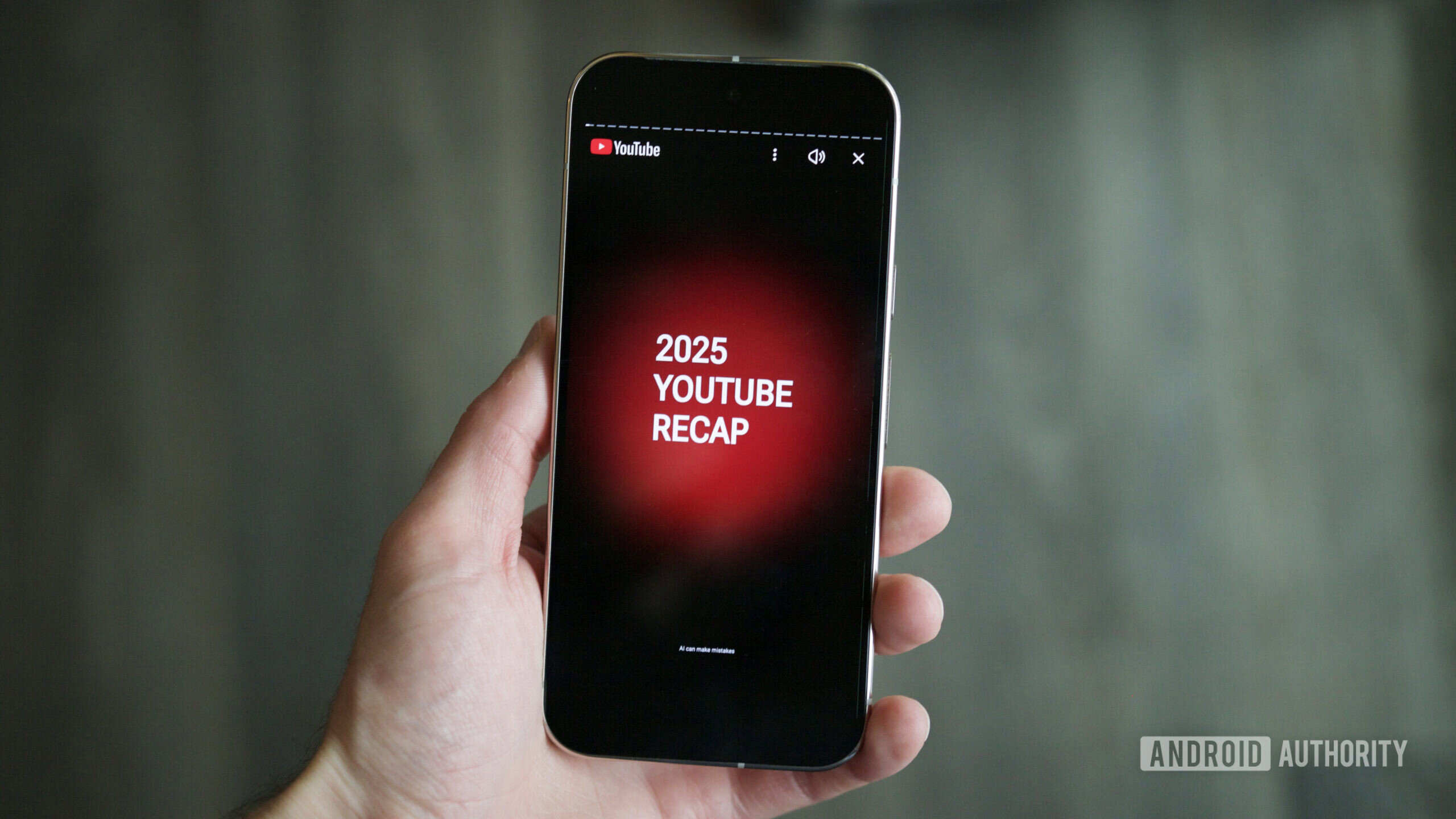
One of the latest apps to join the recap bandwagon is YouTube. YouTube Recap launched earlier this week as a new way to see your last 12 months of YouTube activity distilled into a quick, flashy summary.
It’s something YouTube users have been asking for, but there’s just one problem: YouTube Recap isn’t showing up for many users. If you’re trying to find your YouTube Recap, here’s where to look.
Do you like YouTube Recap?
0 votes
How to find your YouTube Recap
There are a couple of ways to find your YouTube Recap, both of which are really simple. Starting with the YouTube Android app, it takes just a second to locate the Recap feature.
- Open the YouTube app.
- Tap the You tab on the bottom navigation bar.
- Tap the Your 2025 Recap is here banner near the top of the page.
Alternatively, you can also access YouTube Recap from your desktop. To do this, navigate to youtube.com/recap. This will take you to your YouTube profile page, and just like on the mobile app, you should see a banner to watch your 2025 YouTube Recap.
Once you launch your Recap, you’ll tap through 20+ pages summarizing how you used YouTube in 2025. It’s a pretty robust recap feature, showing stats about your top interests, most-watched channels, how your viewing habits changed throughout the year, and more. The end includes a shortcut to watch your YouTube Music Recap, while controls at the bottom of your screen let you download or share your YouTube Recap.
Where is YouTube Recap available?

Joe Maring / Android Authority
YouTube Recap is available worldwide, but your location will determine how quickly you can access the feature. YouTube began rolling it out to users in North America first on December 2, while users in the rest of the world will get YouTube Recap “this week.”
That’s as specific as YouTube has gotten about its release plans, but the good news is that everyone should have YouTube Recap by Friday or Saturday.
If you live in North America and still don’t see YouTube Recap, or if we creep into next week and it remains MIA, it’s worth ensuring your YouTube app is updated to the latest version and that you’re logged into the right account. Outside of that, you shouldn’t need to do anything else for YouTube Recap to appear.
Don’t want to miss the best from Android Authority?


Thank you for being part of our community. Read our Comment Policy before posting.