Joe Maring / Android Authority
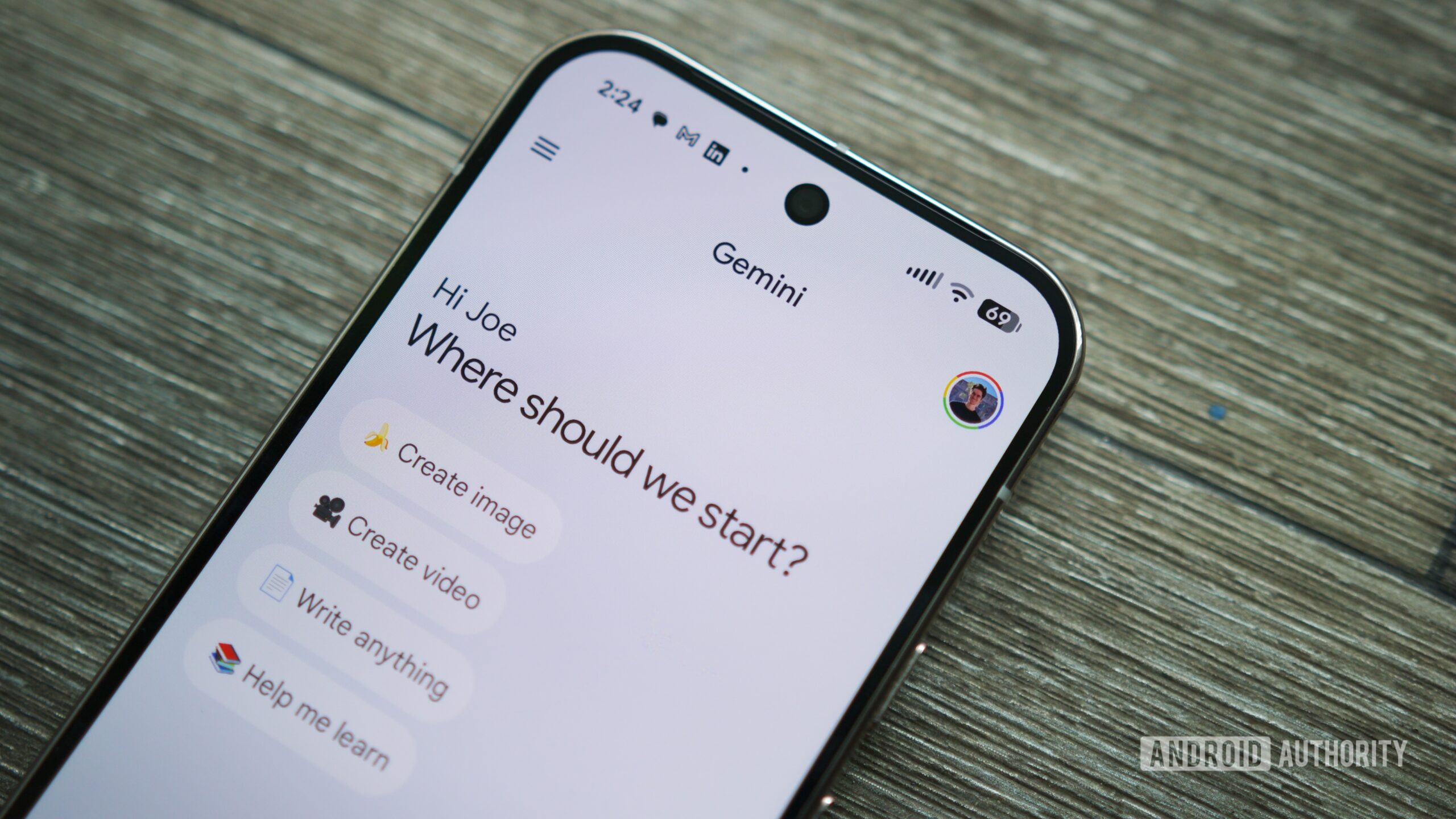
Gemini is already one of the most capable AI platforms available, but what if it were even better? Specifically, what if Gemini could access data from your Google apps to be far more personal than it is today? I’ve got good news for you.
What I’ve described above is now possible thanks to Gemini’s new Personal Intelligence feature. With Personal Intelligence, Gemini can remember details from your Gmail inbox, Google Search history, YouTube activity, and more to deliver much more personalized results than before.
Personal Intelligence could be a game-changer for how you use Gemini. Here’s everything you need to know about how to access and use the feature right now.
Are you excited to try Gemini’s Personal Intelligence feature?
0 votes
Who can use Gemini Personal Intelligence?

Joe Maring / Android Authority
As with most new Gemini features, Google is being fairly restrictive about who can actually use Personal Intelligence — at least right now.
At the time of publication, Personal Intelligence is available in beta access to people in the US with either a Google AI Pro or Google AI Ultra subscription. Whether you’ve had one of these plans for a while or you just signed up today, you’re eligible to try Personal Intelligence. In addition to having one of these AI subscriptions and residing in the US, you’ll need to ensure your Google account is a personal account; Google Workspace accounts aren’t currently supported.
If you check all of these boxes but still don’t see Personal Intelligence, it’s possible the feature simply hasn’t reached your account yet. Although Google began rolling out Personal Intelligence on January 14, the feature is being deployed to users in phases throughout the week.
Finally, if you have the free version of Gemini or live in another country, Google says you’ll be able to use Personal Intelligence “soon.”
How to enable Gemini Personal Intelligence
Meet all of the requirements to use Personal Intelligence? Perfect. Next, you’ll need to enable the feature, as it’s turned off by default.
Once Personal Intelligence is available for you, you should see a pop-up about it on the Gemini home screen the next time you open the app. You’ll tap a big Get started button at the bottom of the pop-up, follow the prompts to enable Personal Intelligence, and that’s about it.
However, if you never see this pop-up on the home screen, you can also enable Personal Intelligence by following these steps:
- Open the Gemini app.
- Tap your profile icon at the top-right of the page.
- Tap Personal Intelligence.
If Personal Intelligence isn’t already enabled, you should see an option to do so. Once that’s done, you can visit this page at any time to customize your Personal Intelligence settings — such as controlling Gemini’s access to past chats and which Google apps it can access.
You can now use Gemini like normal, but with the added benefit that Gemini now knows and remembers a lot more about you.
Don’t want to miss the best from Android Authority?


Thank you for being part of our community. Read our Comment Policy before posting.