I used to be a big SmartThings user back in the day. Powered by its hub, it was the powerhouse of smart home automation, but since Samsung has moved away from the Classic app and the hub is now made by Aeotec, it has lost some of its more powerful features, such as WebCore for scripting.
I use Amazon Alexa for voice commands, as it’s the best voice assistant and has the widest range of devices, and I have been using Apple Home for Automations, as the devices I want to use are either compatible or can be added via HomeBridge.
As good as both platforms are (I particularly like the simplicity of Apple Home for quick device control), what’s missing is the power of the old SmartThings. That’s why I’m moving my automations to Homey.
A powerful system, with powerful scripting
One of the reasons I used SmartThings was an add-on called WebCORE. A powerful scripting language, WebCORE enabled more powerful things to happen. For example, I had a script that ran when my office door locked, automatically turning off the office lights and closing my blinds, but only turning on the garden lights after sunset and turning them off automatically after five minutes. In the darker months, this automation gave me an automatic way of lighting my path back to the house, without turning the garden lights on when not needed.
When Samsung transitioned to the new SmartThings app, WebCORE stopped working. There is a cloud-based alternative called SharpTools, which works with SmartThings (plus Home Assistant, Homey and Habitat), but I’ve not got into it.
With Apple Home it’s possible to do something similar to my old WebCORE automation, but it requires two Automations: one to check if the door is locked and one to check if it’s after sunset. That’s not horrible, but it does lead to Automation bloat and makes the app a bit more complicated.
Shortcuts are a way around this, with more powerful logic, but it’s a tad more complicated than I’d like to set up.
With Homey, it’s possible to add multiple triggers to a Flow (Homey’s version of automations) with the Or and Else logic. Using this, I can have different outcomes depending on whether the office door has locked before or after sunset. That’s hugely powerful and, overall, makes it easier to keep track of automations without splitting them.
Homey is also far more powerful when it comes to triggers, with each device having multiple events to look out for that Apple Home doesn’t. Using Tado X, for example, my Apple Home has triggers that vary by device and, often, day. For example, in my kitchen, my Wireless Temperature Sensor X normally has an on/off trigger, but sometimes this changes so that the trigger is when the temperature is above or below a set value.
With Homey, all Tado X devices give me those triggers, plus humidity, plus when the target temperature changes, plus when the temperature changes. Simply put, Homey is far more granular in its approach to automation.
Variables add more power
Homey also allows variables, which can be used for storing data, either to improve a Flow or just for information. I find it useful to help with my daughter who has epilepsy. It’s important to know when she woke up, and I can do this with Homey.
When she wakes up, she turns her light on (a Philips Hue light). Using Homey, I can watch for this action within set times, send a notification, and, as a useful backup, set a variable to the action time. No more guesswork, just plain simple information that’s useful to know.
Better app support and cheaper hardware
Getting the most out of Homey requires a Homey Pro hub, which gives you locally run apps and Flows, and directly connected devices via Zigbee, Z-Wave, Thread, 433MHz, Bluetooth, and Matter, plus cloud integrations.
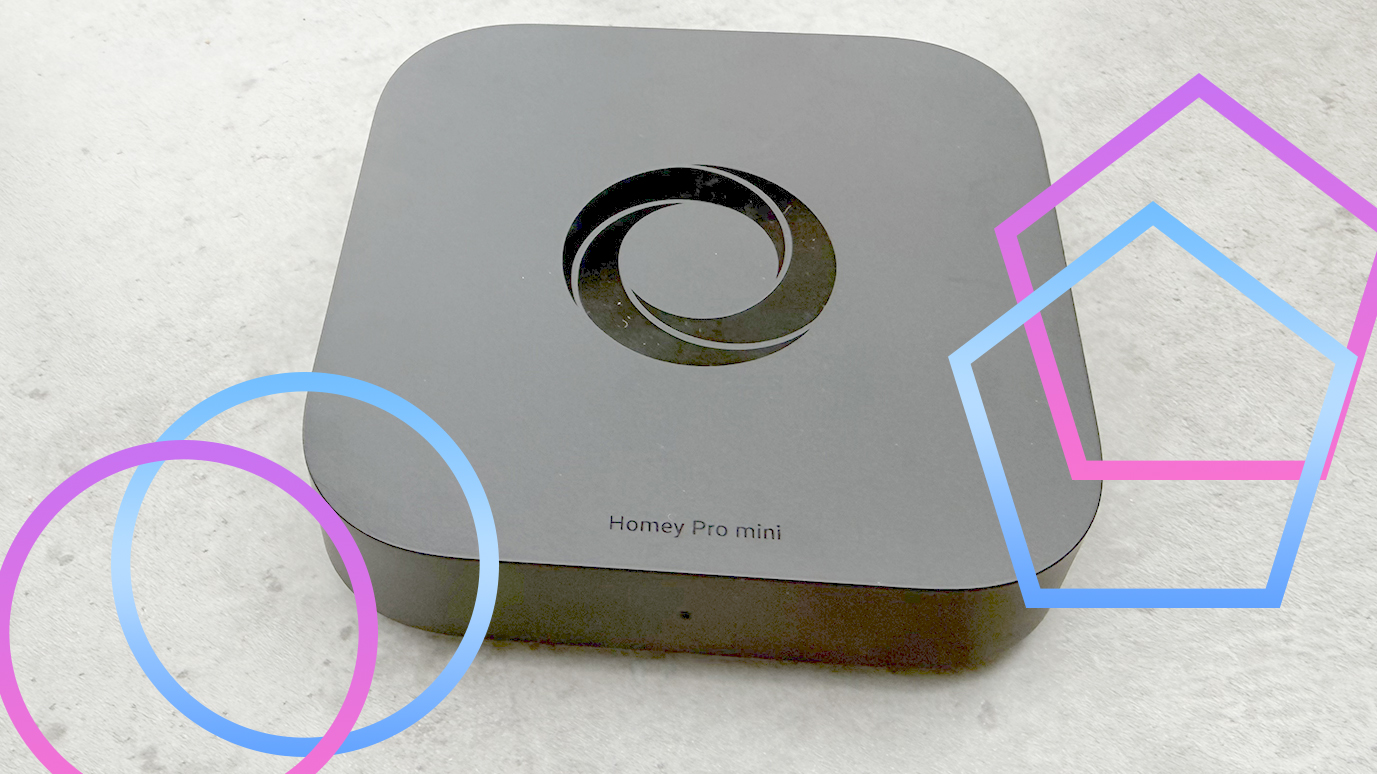
The Homey Pro is an expensive bit of kit, but the Homey Pro Mini (review coming soon) slashes the cost to £199. You can run fewer apps on this device than on the regular Pro, but enough for most homes, and you lose Z-Wave, 433MHz, and Bluetooth (although a Homey Bridge adds these features if you need them). Again, losses that most homes are probably alright without.
Since I first came across Homey, LG has invested in the company, and device support has dramatically improved. So, while I previously couldn’t control my Ring Alarm via Homey, a community-developed app now adds this functionality. Every major bit of smart home kit that I own is now supported, the last barrier to me moving to this platform for my main automation.
If you want powerful control in a sleek app with dedicated hardware to control everything, Homey is brilliant.