Joe Maring / Android Authority
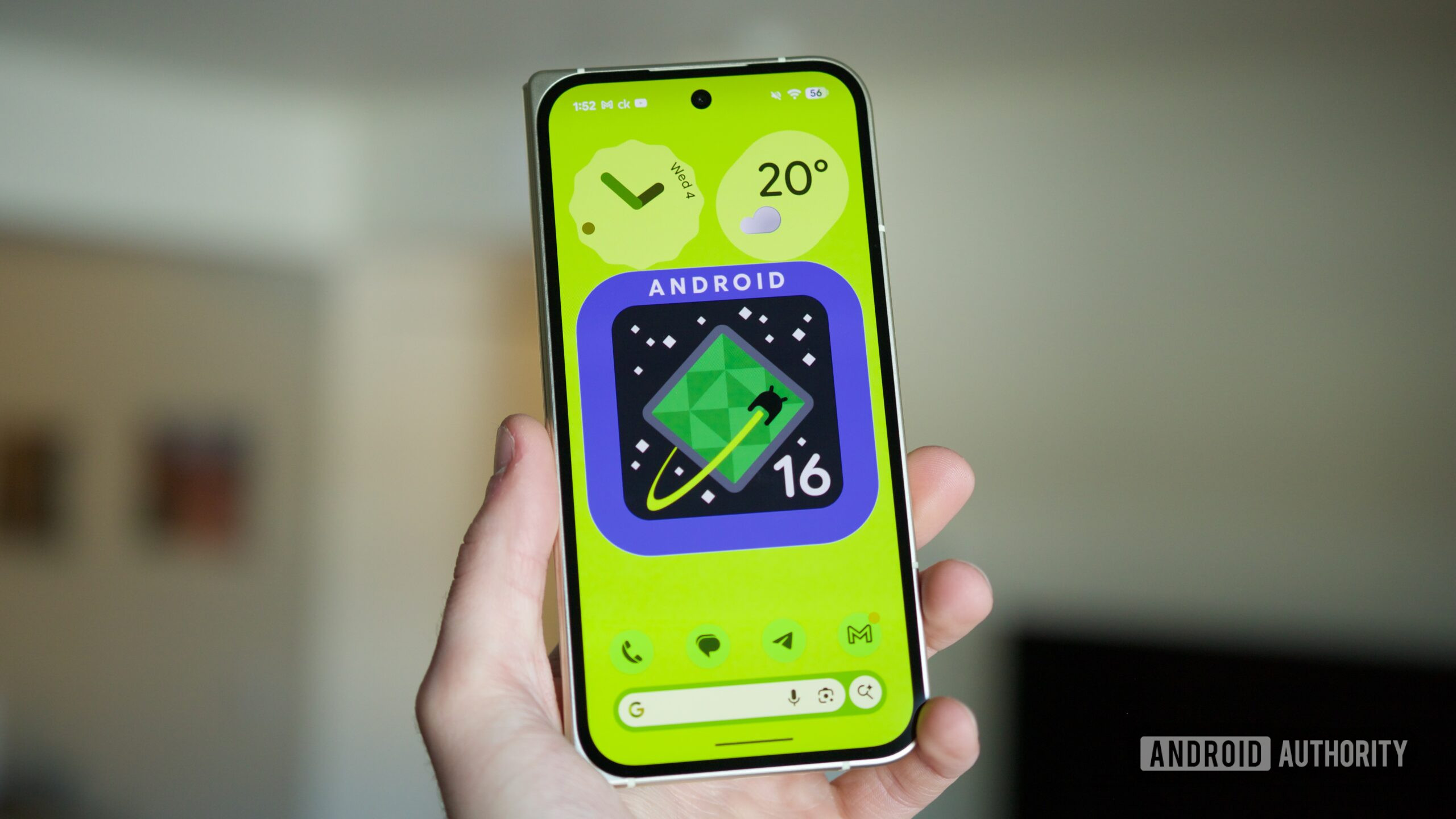
Pixel fans, it’s the most wonderful time of the year: QPR update time. Google’s Quarterly Platform Releases have quickly become among the most important Android updates for user-facing changes. That’s no different with the latest Android 16 QPR3 release, which is rolling out now as part of Google’s March Pixel Drop.
Android 16 QPR3 was officially released to Pixel devices on March 3, 2026 — but is it coming to your specific Pixel model? Let’s find out.
How would you grade Google’s Android 16 QPR3 update?
0 votes
Every Pixel model that’s getting Android 16 QPR3

Rita El Khoury / Android Authority
Although Google sometimes skips Pixel models with its smaller monthly security updates, that’s not the case with QPR updates. If you have a Pixel that Google is still officially updating, you’re getting Android 16 QPR3. As such, the full list for Pixels getting the update is as follows:
- Pixel 6
- Pixel 6 Pro
- Pixel 6a
- Pixel 7
- Pixel 7 Pro
- Pixel 7a
- Pixel Tablet
- Pixel Fold
- Pixel 8
- Pixel 8 Pro
- Pixel 8a
- Pixel 9
- Pixel 9 Pro/9 Pro XL
- Pixel 9 Pro Fold
- Pixel 9a
- Pixel 10
- Pixel 10 Pro/10 Pro XL
- Pixel 10 Pro Fold
As you might recall, this is the exact same list of Pixels that were updated to Android 16 QPR2 in December. In other words, if you received that update, you’re getting QPR3.
You may also notice that Google’s latest Pixel, the Pixel 10a, isn’t included here. The 10a isn’t being updated to Android 16 QPR3 because it already ships with the update preinstalled.
What’s new in Android 16 QPR3?

Joe Maring / Android Authority
If you have one of the above Pixels, what can you look forward to in Android 16 QPR3? Quite a lot! Building off the excellent Calling Card feature from last year, you can now create a calling card for yourself that other people see when you call them. You can now share your real-time location in Google Messages, get restaurant recommendations on Magic Cue (on supported models), see sports scores in At a Glance, and — most importantly — use new Emoji Kitchen stickers. And those are just some of the highlights.
To download Android 16 QPR3 on your Pixel, open the Settings app, tap System, tap Software updates, and tap System update. Android 16 QPR3 should appear as an available update. If it doesn’t, try again later, and you should have it.
Don’t want to miss the best from Android Authority?


Thank you for being part of our community. Read our Comment Policy before posting.