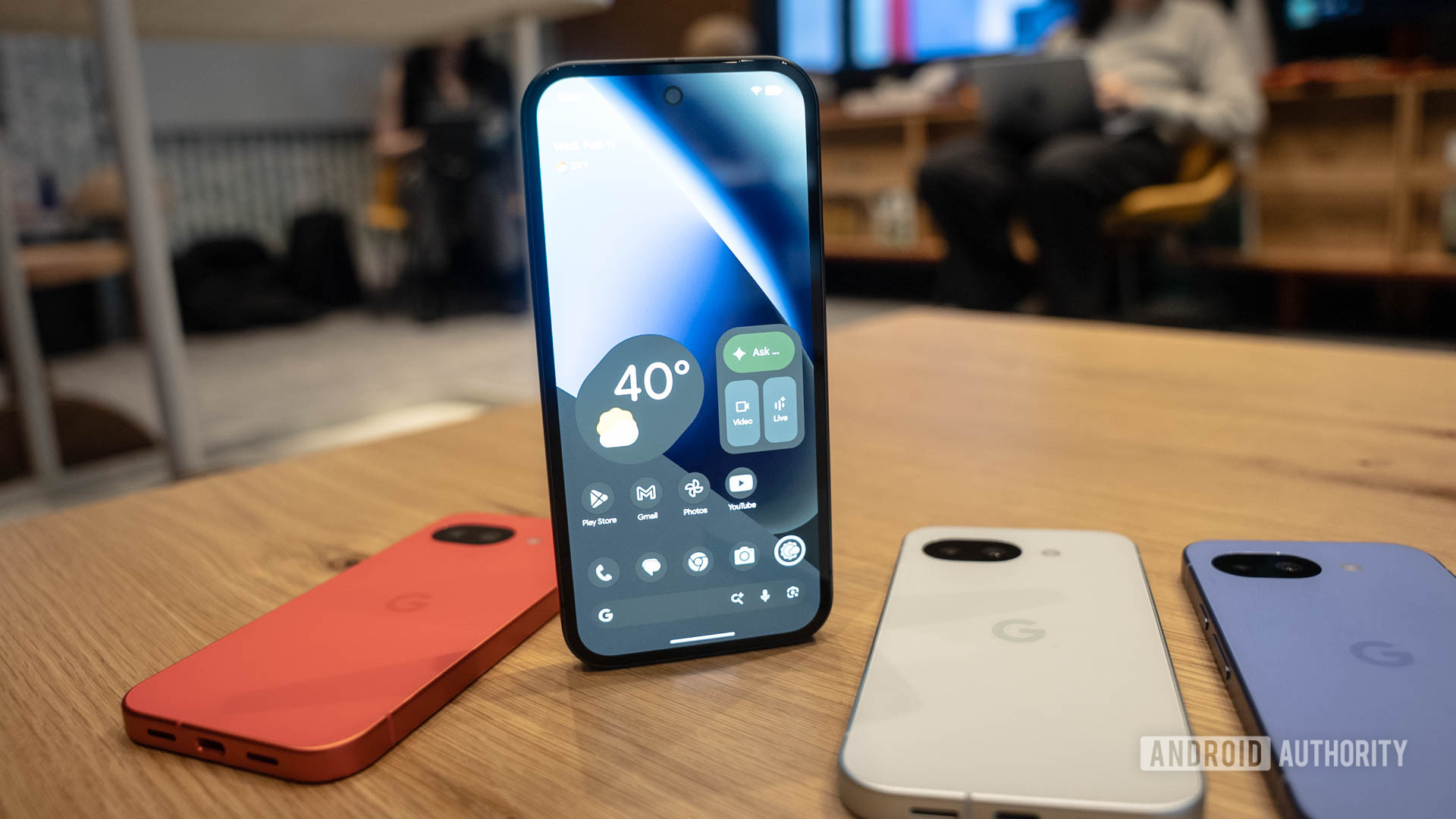
A good wallpaper will never go out of style. If you like the stock backgrounds on the new Google Pixel 10a, you can get them here and use them on any other device, courtesy of Mystic Leaks.
In good Pixel fashion, these wallpapers have wavy, colorful, and abstract patterns. They are both elegant and playful. They remind me of a zoomed-in version of the main Pixel 10 wallpapers. One of them is a bit more on the playful side, though, featuring what seem like watercolor splatters.
Download the Google Pixel 10a wallpapers here
Let’s start by going over the basics. We don’t advise you to simply right-click (or press and hold) on the images below. These are for demonstration purposes only, and they have been compressed to optimize website performance. In short, they won’t look as great.
Instead, click on the download button right below the image previews. This will redirect you to a folder where you can download the full-resolution images.
Without further ado, let’s take a look at the Google Pixel 10a wallpapers.
How to set these Google Pixel 10a wallpapers on your phone
The beauty of wallpapers is that they are pretty much like any other image. This means you can use them on any device that allows you to change the background. Let’s go over how to set them on mobile devices, as these are specifically made with smartphone screens in mind.
Once you’ve found the wallpaper you want to use, make sure it’s on the device you want to use it with. If you used your phone to download the image, then you already have it in there. Otherwise, you can transfer them to your phone using Bluetooth, QuickShare, a physical storage device, or even a cloud service like Google Drive.
Once the image is on your phone, follow the steps below to set it as your wallpaper. We’ve compiled steps for Android and iOS, the two mobile operating systems most people use.
How to set a wallpaper on Android:
- Open the Settings app.
- Go into Wallpaper & style.
- Hit More wallpapers.
- Find and select your Pixel 10a wallpaper.
- Customize the wallpaper, then tap Set Wallpaper.
- Pick whether you want to set the wallpaper on your Home screen or Lock screen (or highlight both).
- Hit Set.
How to set a wallpaper on iPhone:
- Launch the Settings app.
- Tap on Wallpaper.
- Hit Add New Wallpaper.
- Find and select the Pixel 10a wallpaper you want to set.
- Customize your wallpaper and settings to your liking, then hit Add.
- Tap on Set as Wallpaper Pair.
Editor’s note: These instructions were put together using a Google Pixel 8a running Android 16 and an Apple iPhone 15 running iOS 18.5. Steps may differ, depending on your device and software version.
Frequently asked questions
Stock wallpapers usually correspond with the specific device’s screen. In this case, the images are wider because they account for you swiping left and right, while the wallpaper moves along with your actions. These have a 1,620 x 2,424 resolution.
Wallpapers are simply images, so yes, you can use this with any device, as long as the OS allows you to change the background.
Thank you for being part of our community. Read our Comment Policy before posting.